

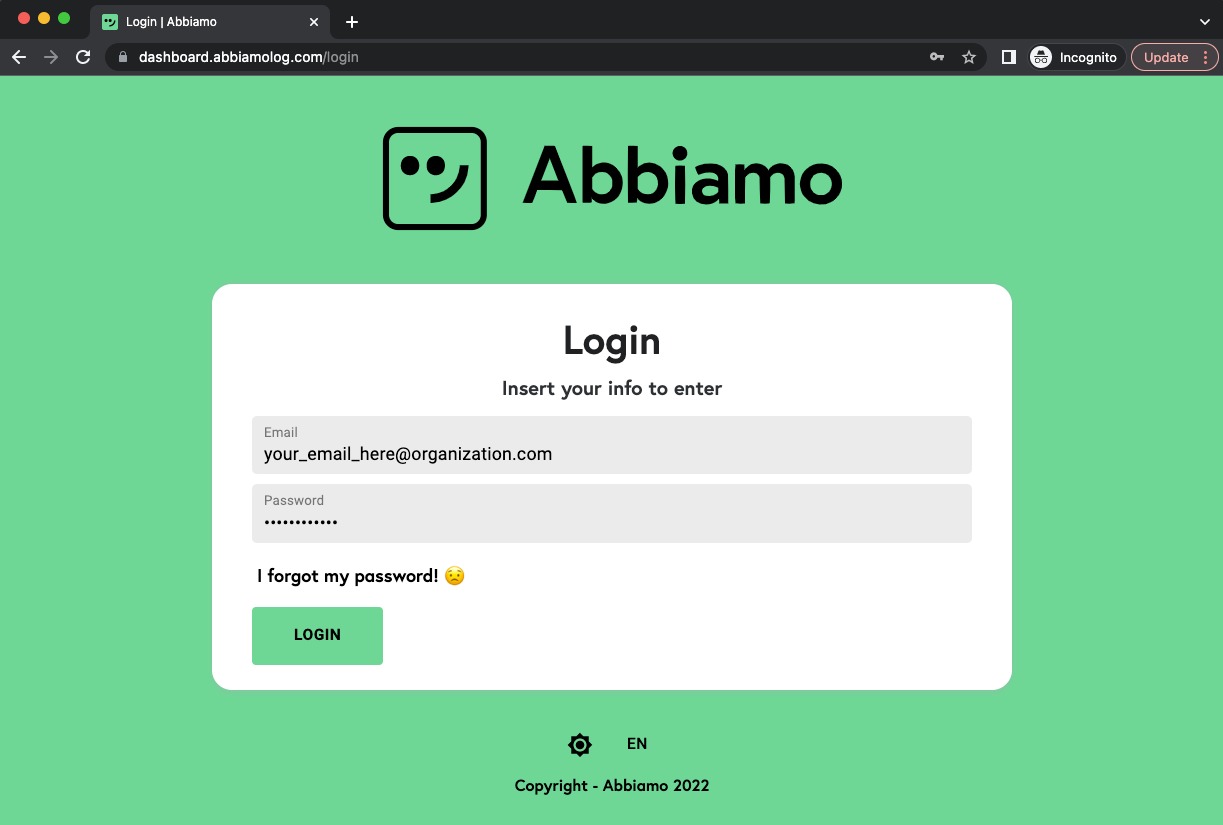
Login
Please go to the Dashboard and use the credentials provided to login.
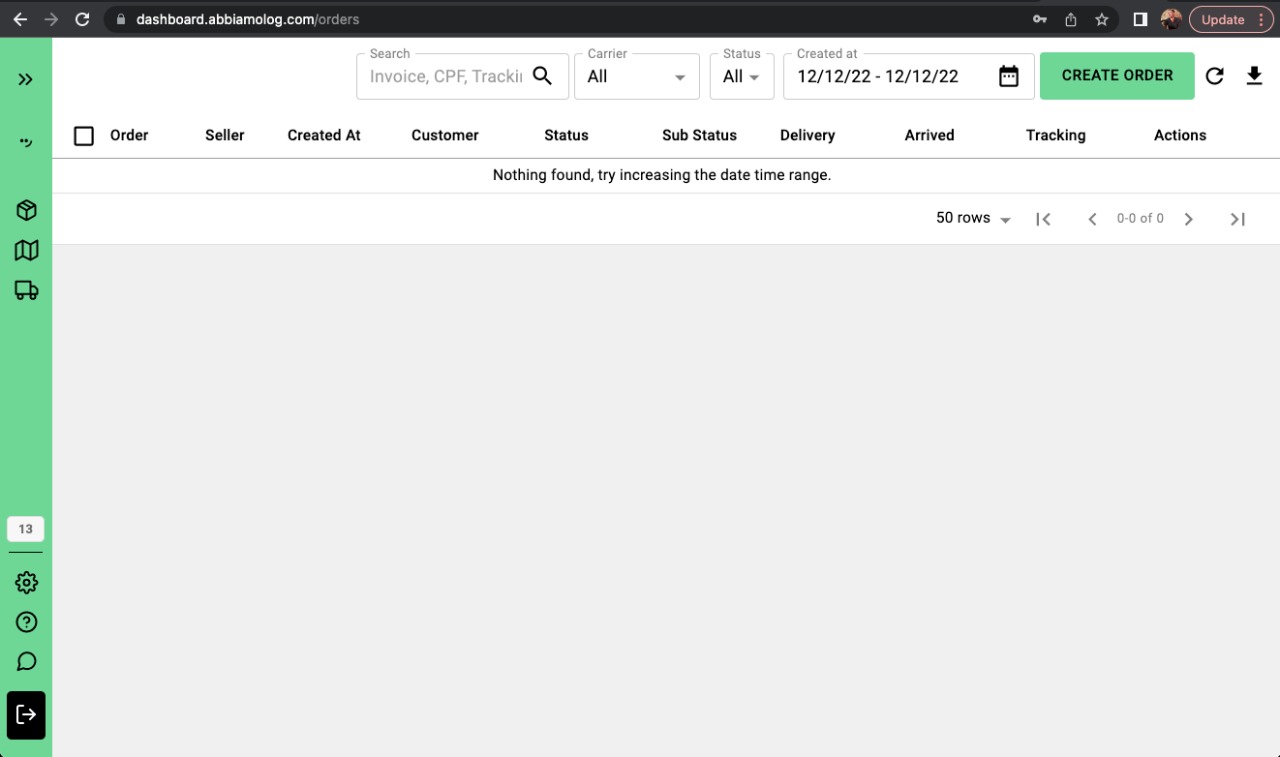
Create Order
Please click on "Create Order" button on the upper-right corner of the dashboard.
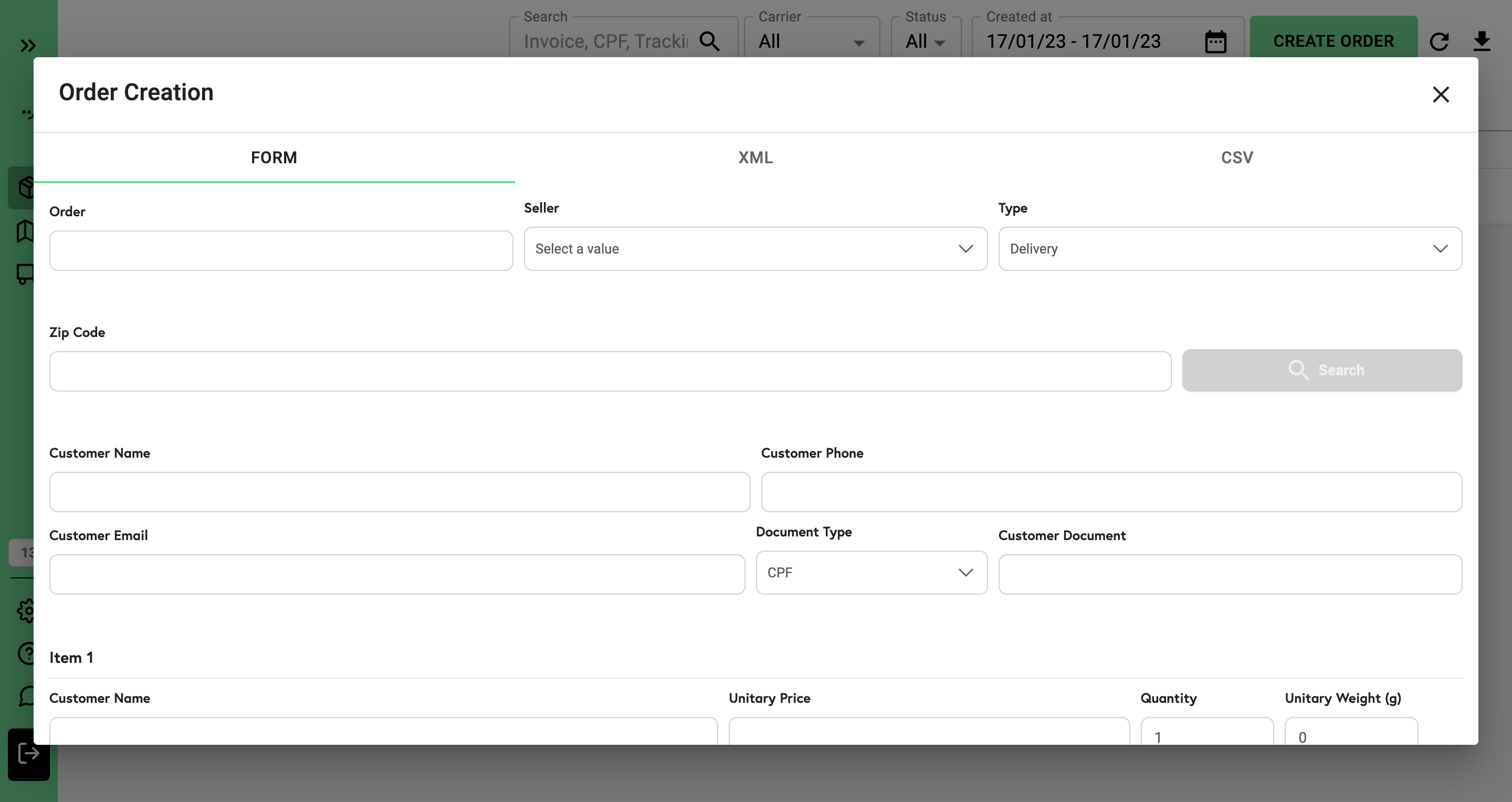
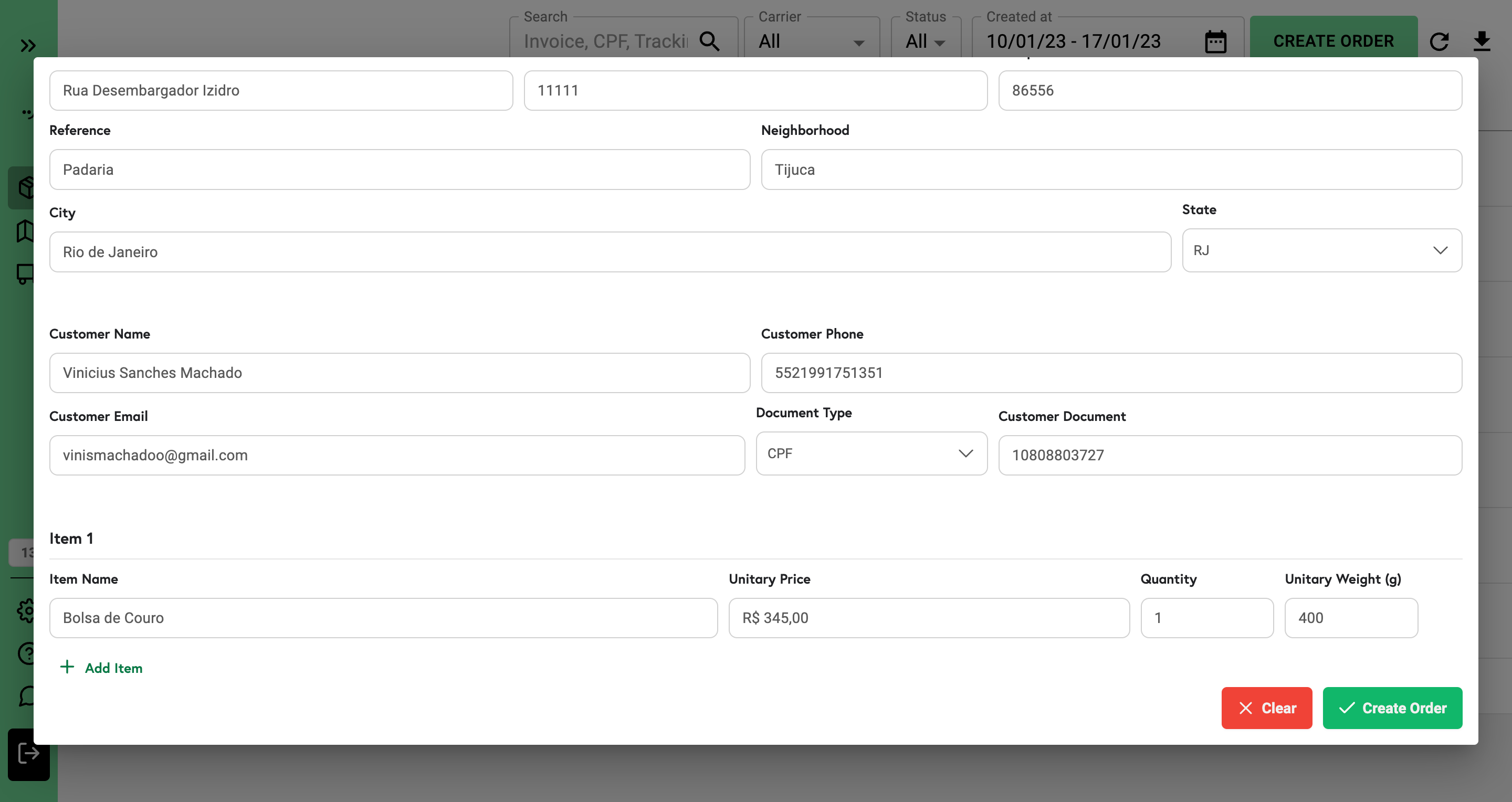
After that, you'll find the form to fill out the fields with mock information
And click the "Create Order" button.
Finally, you should see the order created as the following image displays.
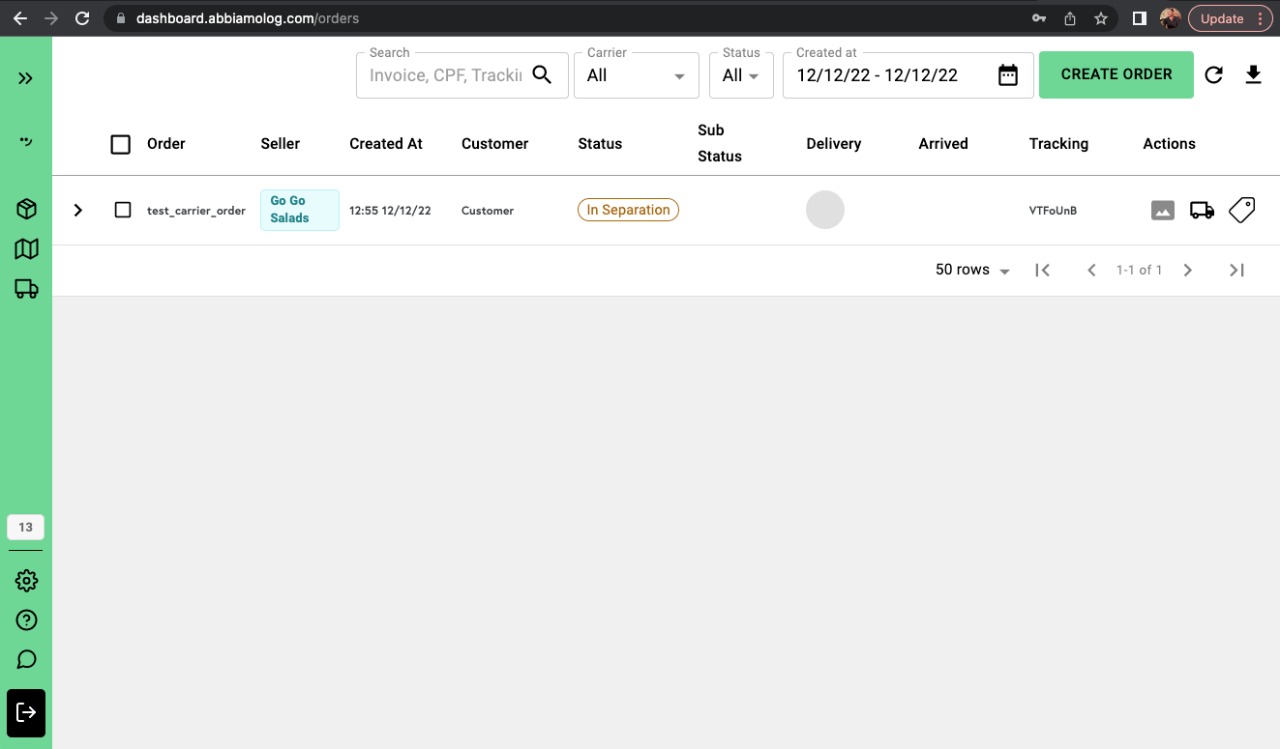
After successfully created the order, please go to the next session to explore how to send the order to your system by clicking Here